Electric charging in your pocket, wherever you are.
The Sparklin app supports users when charging at work, on holiday and at home. Ergonomic, intuitive and available free on the App Store and Play Store — for a smooth, worry-free charging experience.
Total control of your charging, from your smartphone.
The Sparklin app is the user interface of the Sparklin ecosystem. It complements Spark Pilot — the web portal for managers — by giving each user control over their own charging sessions.
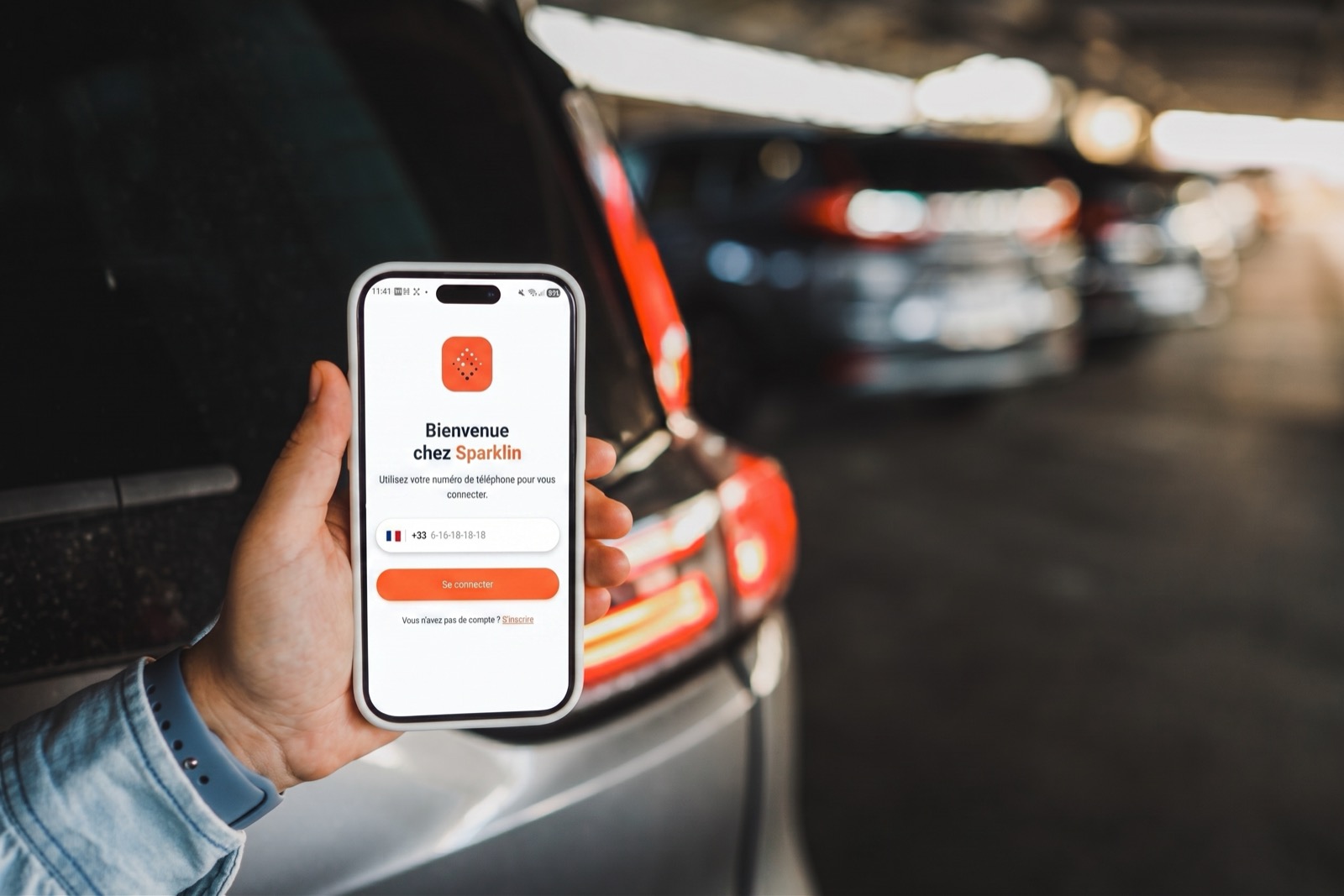
On first login, the user creates an account in a few steps and signs in using their mobile number. After that, every charging session is started, tracked and ended from the app — no badge, no physical handling of the station.
For Spark Plus stations equipped with plug & charge, the app can even be optional: the vehicle and the station recognize each other automatically as soon as the cable is connected.
Everything a user needs, in one place.
From first login to monthly reimbursement of charging costs, the app manages the entire user journey.
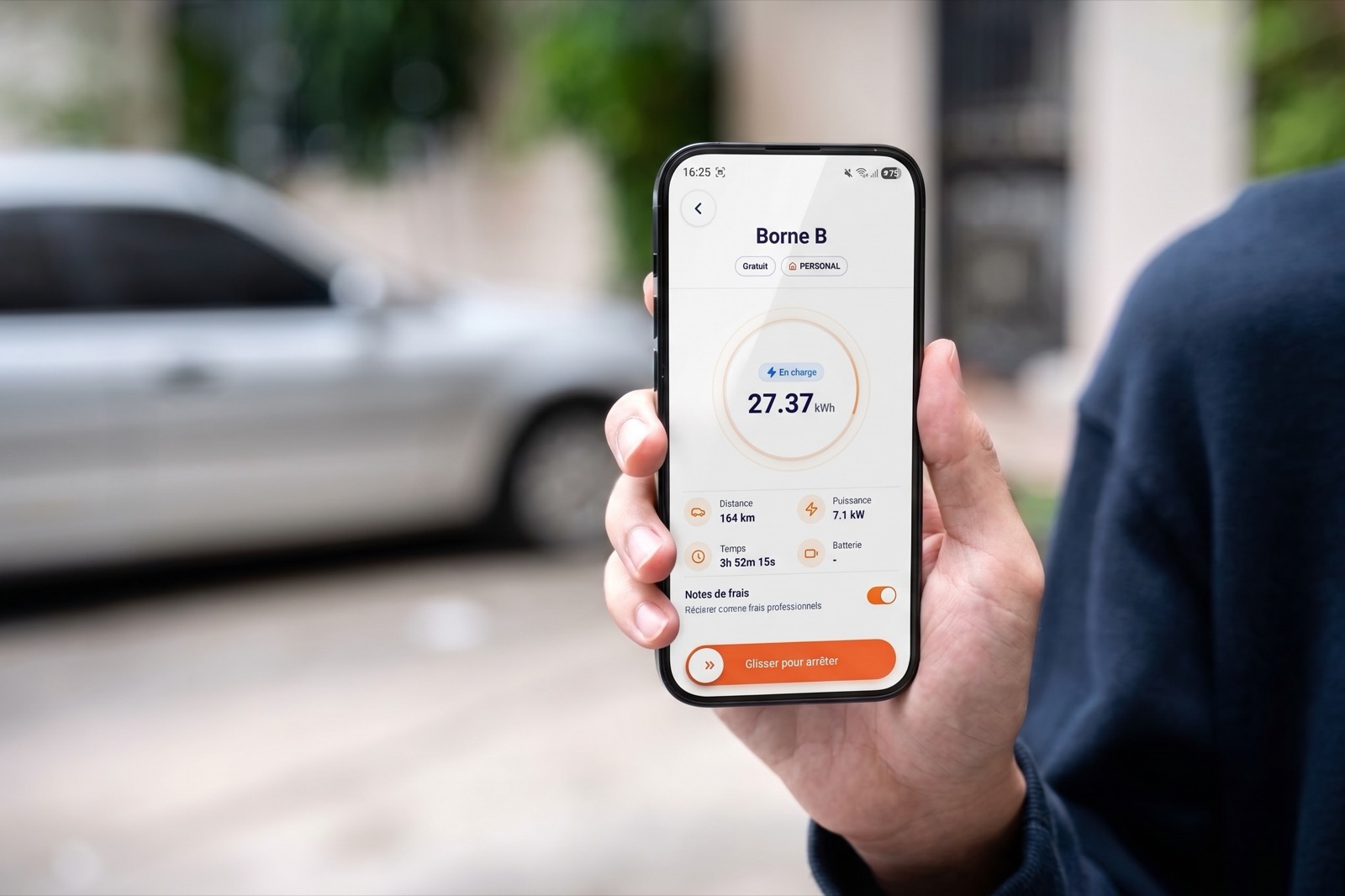
Remote start, tracking and stop
The user plugs in their vehicle and controls the session remotely from the app. In real time, they see the power consumption in kWh, the elapsed charging time and the estimated range recovered. They can stop the session at any time, from anywhere.
1-click charging — scan, plug in, go
On stations with a QR code, the user scans the code with their smartphone, plugs in their vehicle, and the session starts immediately. No badge, no extra handling. Access control and authentication happen entirely from the app.
Charging scheduling
At home, the user schedules charging times based on their needs and electricity rates. Charging starts automatically at the set times — with no user intervention, for low-cost charging.
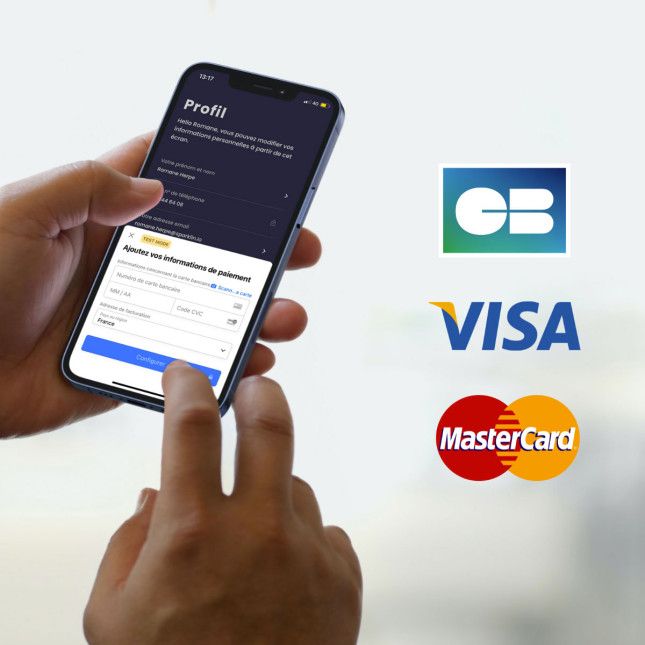
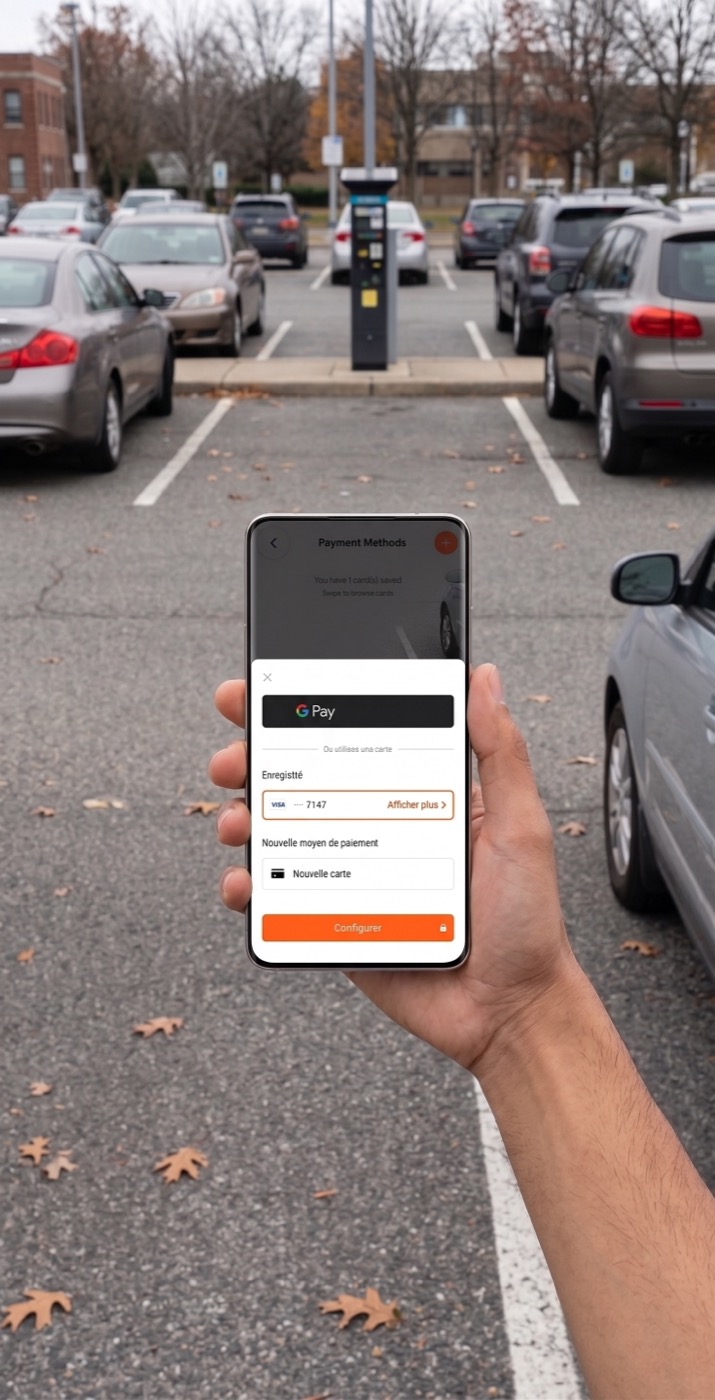
Secure payment without a wallet
With Sparklin, there's no need to top up a wallet or pre-load a balance. The user saves one or more bank cards and pays easily and securely. Billing is done at the end of each session, according to the rate set by the site manager.
Automated expense reports
No more invoices to process or meters to read. Sparklin automatically reports the details of each session and simplifies reimbursement for company vehicles. Monthly data is exported for streamlined processing.
History and consumption tracking
The user accesses their full session history from the app: dates, durations, kWh consumed, amounts paid. At a glance, they find all the information for the charge points available to them.
Smart notifications
The user receives notifications throughout their charge, keeping them informed of its status. An end-of-charge notification prompts them to free up the parking space as soon as possible — optimizing station availability for other users on the site.
Access to charging communities
From the app, the user accesses the sites where they are allowed to charge – company car park, residence, campsite. They find availability, charger type, power and prices.
Booking
In private car parks, the user can book a charge point. A booking calendar is available to all users with access to the site.
L'application en situation réelle
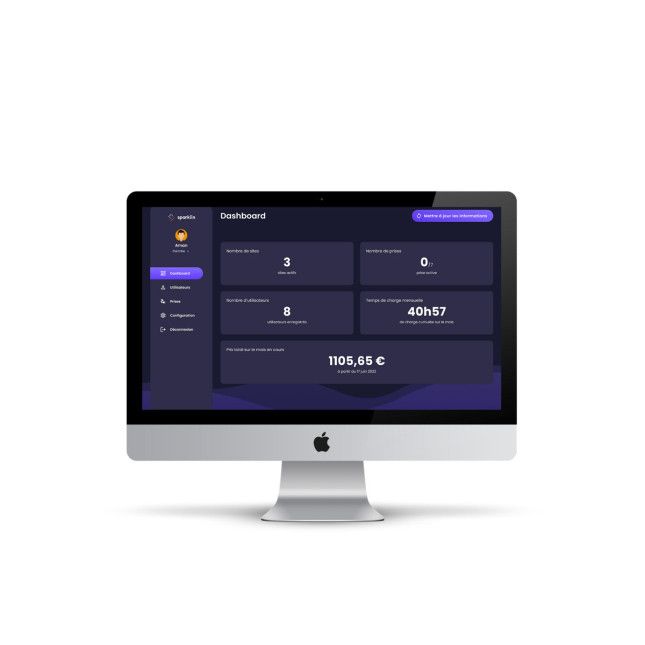
The Sparklin app and Spark Pilot: each interface has its role.
The manager runs things from the web. The user charges from the app. Both are synchronized in real time on the Spark Pilot platform.
Sparklin app
For the end user
Spark Pilot
For the fleet manager
Designed to be simple. Not simplistic.
The Sparklin app is designed so that any user — whether they have charged a hundred times or never — can start a charging session unaided. Clean interface, minimal steps, clear visual feedback.
Account creation in a few steps
Mobile number, SMS verification, saved bank card. The user is up and running in under two minutes.
Context-aware interface
The app detects whether the user is at a company site, at home or on the move, and adapts the available options accordingly.
Real-time charge tracking
Dynamic display of kWh charged, elapsed time and billable amount. Graphical view of charging progress.
Built-in support
If there's a problem with a station, the user can report the incident directly from the app. Sparklin remote maintenance takes over automatically.
Frequently asked questions
Yes, the Sparklin app is available free on the App Store (iOS) and the Google Play Store (Android). No subscription is required to use it.
For public stations, simply scanning the QR code from the app is enough, with no account needed. For private stations, an account lets you manage access and payment.
The app accepts bank cards (Visa, Mastercard, CB), Apple Pay and Google Pay. Receipts are generated automatically and available in your history as soon as the session ends.
Yes. The app shows the instantaneous power, energy delivered and estimated remaining time in real time. A notification is sent at the end of the session.
Download the Sparklin app.
Available free on the App Store and Google Play Store. Start charging in under two minutes.